Purpose
- To explain the Payroll Report for the Scheduling module.
How is This Report Helpful?
- This report is helpful when you need to export payroll information into other programs used by payroll/HR departments.
- This report can also be used to verify accuracy of payroll information.
Video
Instructions
1. Click on Reports.
2. Click on Scheduling.
3. The default report type is Payroll.
4. Adjacent to Scheduling Reports are the Reverse Trade and FLSA indicators.
Hovering over each symbol, it will give more information about that item. With the reverse trade, trades will not be considered for payroll purposes within the report. This can be adjusted within PersonnelSetupSettings.
The FLSA indicator will display the FLSA cycle involved.
5. Pay Period will default for this report and reflect your current pay period configuration.
6. Headers can be seen at the top of the report and columns can be sorted alphanumerically by clicking on any header.
7. Click on Advanced Search to adjust filters.
8. Select all desired filters.
9. Click on Search.
10. This report can be downloaded as a .CSV, PDF, or .XLSX file.
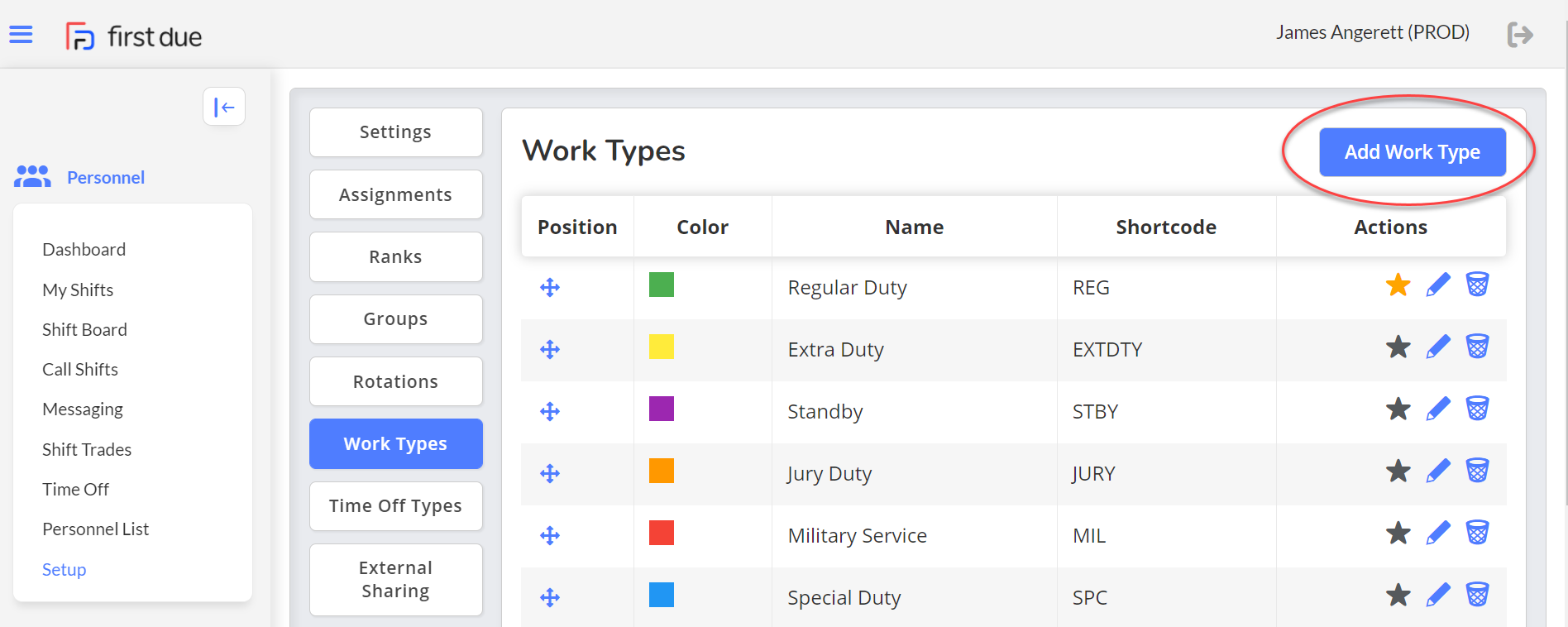
Work Types are set up in the Personnel module Personnel Setup Work Types Add Work Type.